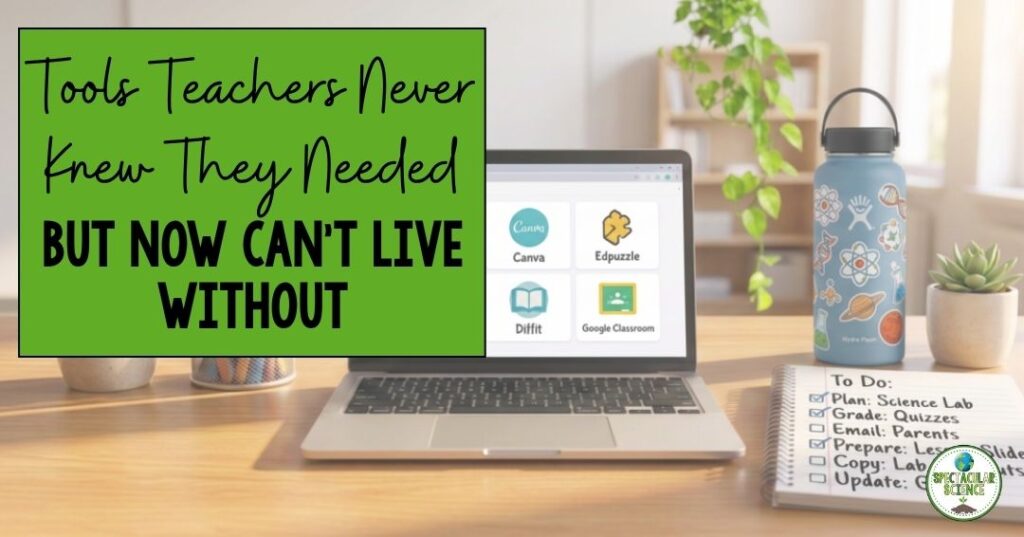
Tools don’t usually change teaching.
But every once in a while, a tool shows up that quietly rewires how you plan, communicate, assess, and even breathe during the school day.
And suddenly you find yourself thinking:
“How did I ever do this without this?”
Not because it replaces good teaching, but because it removes the friction that makes good teaching harder than it needs to be.
The best tools don’t add more to your plate.
They clear space on it.
The Real Problem: Teaching Has Too Many Invisible Tasks
A typical teacher’s day isn’t just instruction. It’s:
- Communicating with students and families
- Differentiating materials on the fly
- Tracking assignments across platforms
- Creating visuals, slides, and resources
- Checking for understanding constantly
- Managing reminders that students still forget anyway
None of these are small tasks.
But together, they quietly steal planning time, mental energy, and instructional flow.
And that’s where the right tools start to matter.
Not as “extras,” but as systems that hold the chaos together.
The Shift: From Doing Everything Manually → Letting Systems Do the Heavy Lifting
The biggest change isn’t about technology.
It’s about relief.
Instead of asking:
“How do I squeeze this into my prep period?”
Teachers start asking:
“What tool already solves this so I don’t have to reinvent it every day?”
That shift changes everything.
Because suddenly, your energy goes back where it belongs: students.
Tool #1: Remind (Communication That Actually Reaches People)
Let’s start with one of the simplest, most powerful shifts in classroom communication.
Families don’t ignore messages on purpose.
They just don’t always see them where schools tend to send them.
That’s where Remind changes the game.
Remind is a communication platform that reaches students and families directly through text-based messaging, making it easier to share updates, reminders, and quick check-ins without relying on email chains that get buried.
What it replaces:
- Missed paper flyers
- Forgotten deadlines
- Email threads no one reads
- Last-minute “I didn’t know” conversations
What it creates:
- Real-time communication
- Fewer misunderstandings
- A stronger home-school connection
- Less repetition for teachers
And the biggest shift?
You stop repeating yourself five different ways just to make sure someone sees it.
A Simple Classroom Addition That Makes Remind Even More Effective
One thing I’ve noticed is that communication works best when students actually remember to check it.
That’s why I keep a simple classroom charging station available. Dead phones are surprisingly common, especially during after-school activities, athletics, and field experiences.
Teacher Favorites I Use Weekly
- Multi-device charging stations
- Desktop phone organizers
- Extra charging cables for student emergencies
These small additions remove one of the biggest barriers to communication: “My phone died.”
Tool #2: Canva (When “I Need This to Look Better” Stops Being a Time Drain)
Teachers are constantly creating visuals.
Slides, anchor charts, worksheets, posters, lab sheets.
And most of the time, the barrier isn’t ideas.
It’s design time.
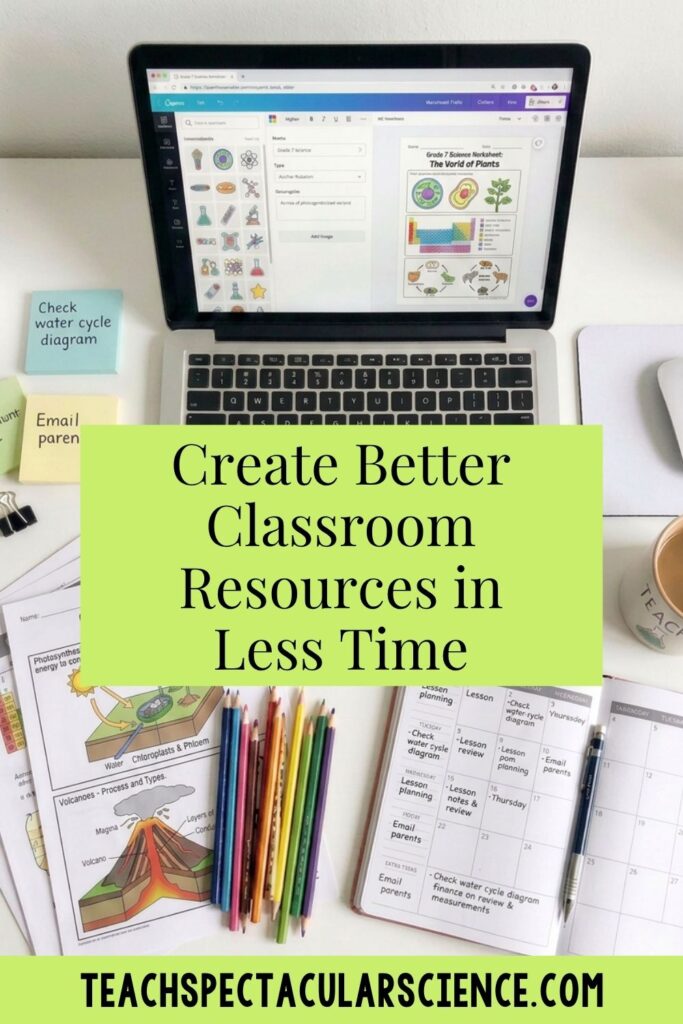
Canva quietly became one of the most useful teacher tools because it removes the intimidation of design and replaces it with templates that actually look polished.
What it replaces:
- Hours formatting slides
- Clunky Word documents
- Rebuilding the same resource from scratch
- “This looks fine, I guess” materials
What it creates:
- Clean, student-friendly visuals in minutes
- Editable templates for reuse
- Consistent classroom branding
- Resources that actually engage students visually
And suddenly, your materials look like they took hours, even when they didn’t.
My Favorite Canva Companion
If you’re creating visuals, anchor charts, and classroom displays, a laminator quickly becomes your best friend.
Teacher Favorites I Use Weekly
These tools turn digital creations into classroom-ready resources that last beyond one period.
Tool #3: Edpuzzle (When Videos Stop Being Passive)
We’ve all assigned a video and hoped students actually watched it.
That hope is usually where engagement goes to die.
Edpuzzle turns passive video watching into active learning by embedding questions, checks for understanding, and accountability directly into the content.
What it replaces:
- “Watch this at home” uncertainty
- Generic video notes
- No idea who actually engaged
- Reteaching everything anyway
What it creates:
- Embedded formative assessment
- Accountability during video learning
- Immediate insight into misconceptions
- Better use of class time
Make Video Learning Easier
Video-based learning works even better when students can clearly hear and focus.
Teacher Favorites I Use Weekly
- Student headphone sets (durable classroom sets)
- Headphone splitter adapters for partners
- Headphone storage bins or wall hooks
- Tablet or phone stands for viewing stations
These are especially helpful in science labs, stations, and flipped instruction setups.
Tool #4: Wayground (Assessment That Doesn’t Feel Like a Paper Stack Waiting to Happen)
There’s a difference between checking for understanding and collecting a pile of grading.
Wayground (formerly Quizizz) turns formative assessment into something interactive, student-paced, and instantly analyzable.
What it replaces:
- Endless grading of exit tickets
- Boring review days
- Guessing who understands what
- Paper quizzes that take forever to go through
What it creates:
- Real-time data on student understanding
- Self-paced review that students actually engage with
- Immediate feedback loops
- Easier differentiation decisions
And the shift is subtle but powerful:
You stop wondering what students know and start seeing it immediately.
Classroom Tech That Helps Assessments Run Smoothly
Teachers often tell me the biggest challenge isn’t the assessment itself – it’s managing devices.
Teacher Favorites I Use Weekly
Especially in science classrooms, where stations rotate quickly, these tools keep chaos from building up.
Tool #5: Diffit (Differentiation Without the Late-Night Rewrite Spiral)
Differentiation is essential, but it can also be one of the most time-consuming parts of planning.
Diffit helps teachers adapt reading levels, summaries, and questions so students can access the same content in different ways without rewriting everything from scratch.
What it replaces:
- Late-night article rewrites
- Multiple versions of the same resource
- Guessing if text is “too hard”
- Last-minute scaffolding stress
What it creates:
- Quick leveled readings
- Built-in comprehension supports
- Consistent content across ability levels
- More equitable access in less time
It’s not about lowering expectations.
It’s about lowering barriers.
Resources That Support Differentiation
Differentiated instruction often means students need multiple ways to access information. Here is a post I wrote about 5 Differentiation Strategies for Middle and High School Science.
Teacher Favorites I Use Weekly
- Dry-erase pockets for reusable questions
- Colored sticky notes for grouping and annotation
- Small-group table organizers for stations
These are especially useful during CER writing, lab analysis, and station rotations.
Tool #6: Google Classroom (The Quiet Backbone Most Classrooms Run On)
It’s easy to overlook the tools that just “hold everything together.”
Google Classroom acts as the central hub where assignments, feedback, materials, and communication live in one place.
What it replaces:
- Scattered assignment systems
- Lost handouts
- “Where do I find this?” questions
- Paper pile management
What it creates:
- One consistent workflow for students
- Centralized assignment tracking
- Easier feedback loops
- Fewer organizational breakdowns
It’s not flashy.
But it’s often the reason everything else works.
The Bigger Pattern No One Talks About
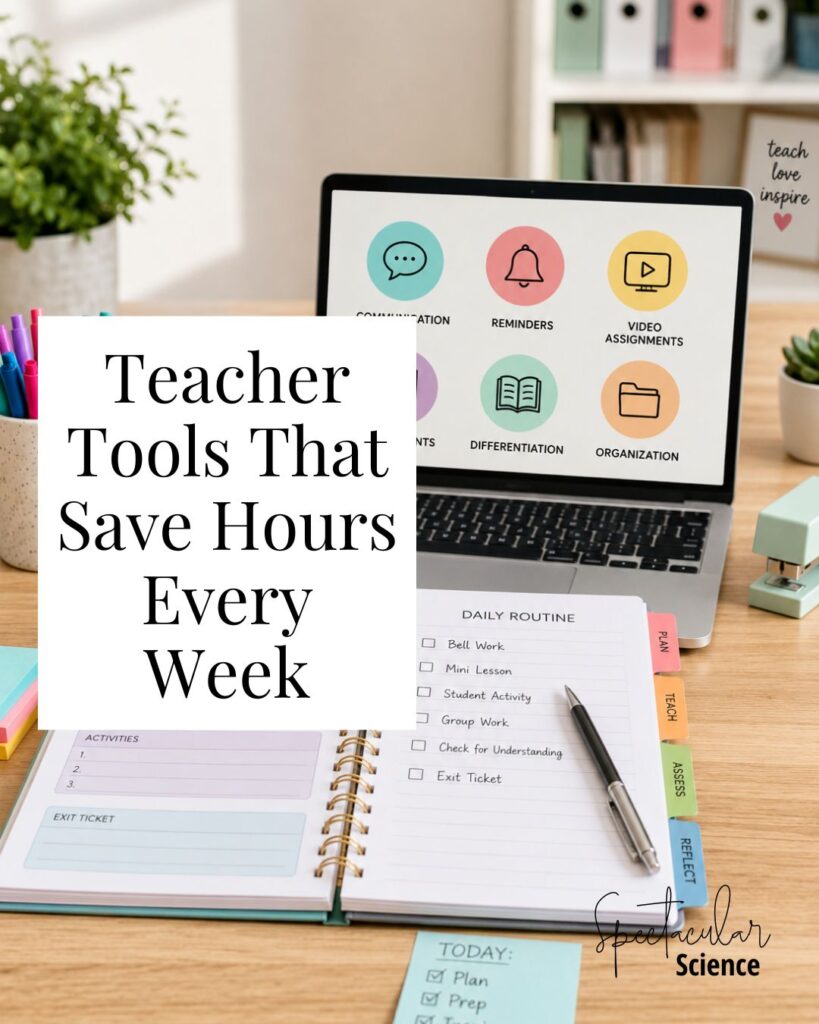
Each of these tools solves a different problem:
- Communication
- Design
- Engagement
- Assessment
- Differentiation
- Organization
But together, they do something more important.
They reduce the number of decisions you have to make in the middle of teaching.
And that’s where burnout often hides.
Not in big dramatic moments.
But in hundreds of small, repeated tasks that never needed to be manual in the first place.
The Big Idea
The goal isn’t to use more tools.
It’s to stop spending time on problems that already have solutions.
Because when those friction points disappear:
- Planning gets faster
- Instruction gets smoother
- Feedback becomes immediate
- Students get more support without more workload
And teaching feels a little more like teaching again, instead of constant catching up.
Final Thought
The best classroom tools don’t change what great teaching is.
They protect your ability to actually do it.
Not by adding more to your day.
But by giving parts of it back.
RELATED POSTS:
- How To Handle Missed Labs Without Losing Your Mind
- No-Prep Choice Boards That Get Students Excited About Science
Just a heads-up: this post includes Amazon affiliate links. That means if you click through and buy something, I earn a small commission—at no extra cost to you. Thanks for supporting my work!